Photo: Omkar Pendsay / Pexels
DigiYatra Explained: How to Use It and Delete Your Data
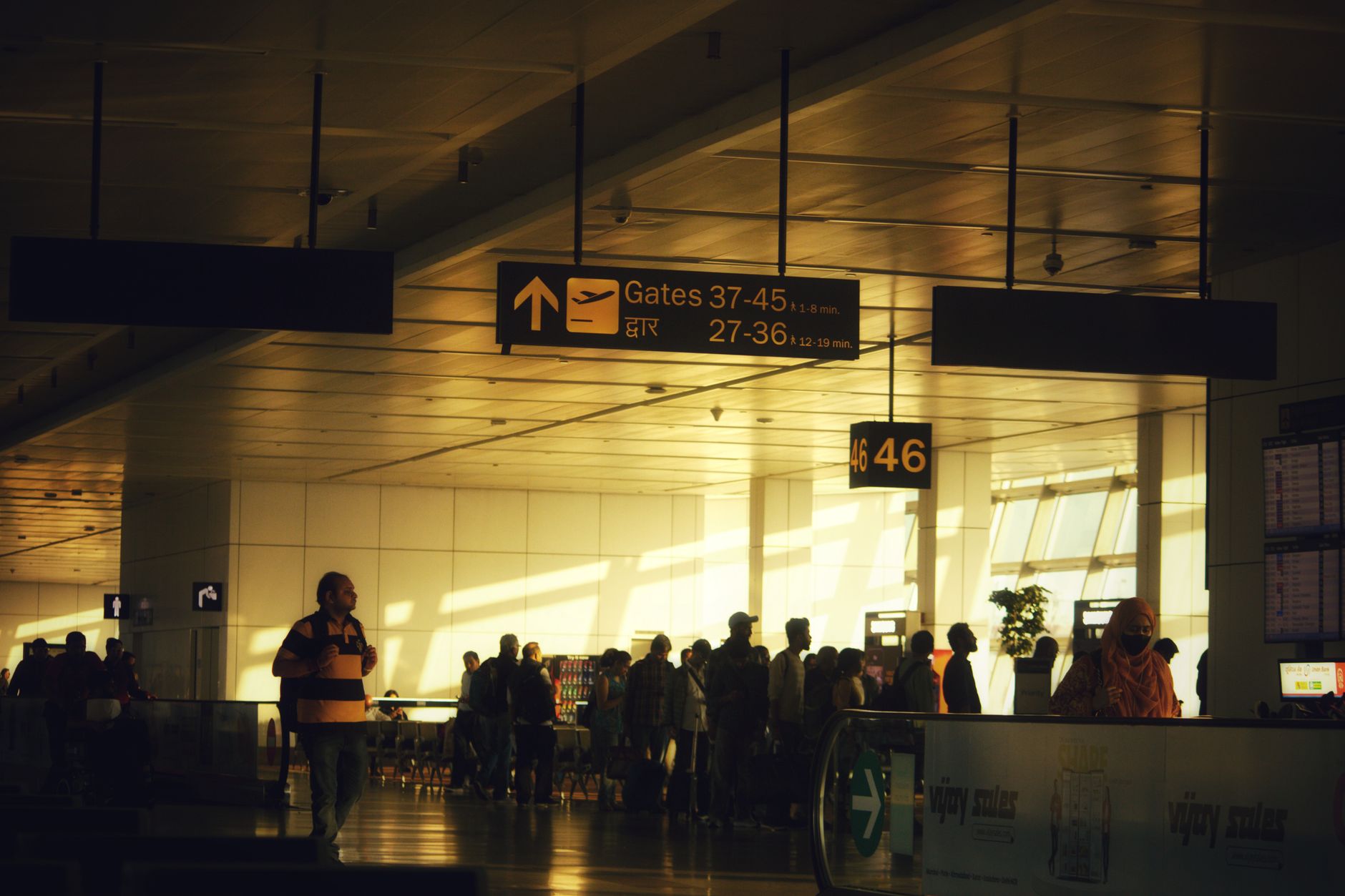
If you have flown out of a big Indian metro lately, you may have seen a separate row of glass gates where travellers glance at a camera and walk straight through — no boarding pass scanned, no ID shown to a guard. That is DigiYatra, the face-recognition system that lets you move from the terminal entry to the security hold area using your face as your ticket. It sounds futuristic, and it genuinely cuts queue time, but it also raises fair questions about where your photo goes. Here is a clear, no-hype guide to how it works, how to set it up, and how to stay in control of your data.
What DigiYatra actually is (and isn't)
DigiYatra is a voluntary, app-based system run by a non-profit, the DigiYatra Foundation, which is backed by the Airports Authority of India and major private airport operators. The idea is simple: instead of showing your ID and boarding pass at three or four checkpoints, you register once, and your face becomes the credential the gates recognise.
It is important to understand what it does not do. DigiYatra does not book your ticket, does not replace your airline, and does not get you through immigration on international flights — you still need your passport and visa for those. It only smooths the domestic-style journey inside the terminal: entry gate, and the entry to the security check area. You still walk through the metal detector, your bags still go through X-ray, and you still physically board the aircraft like everyone else.
It is also strictly opt-in. Nobody can force you onto it, and every Indian airport must still accept a normal printed or mobile boarding pass with a physical photo ID. If you skip DigiYatra, you lose nothing except, perhaps, a few minutes in a queue.

How DigiYatra works behind the gate
The system rests on three pieces of technology that, together, are meant to keep your data on your side rather than in a giant government database.
- Facial recognition matches the live camera image at the gate to the photo you enrolled.
- A self-sovereign, wallet-style identity stores your ID and face data in encrypted form on your own phone, not on a central server.
- A one-time share sends your credential to a specific airport only for a specific flight, after which it is supposed to be wiped.
When you reach the airport, the app pushes your boarding-pass and ID details to that airport's system a few hours before departure. The entry e-gate then reads your face, confirms you have a valid flight that day, and opens. The whole point is that the airport holds your biometric only briefly and only for your actual journey.
Crucially, the policy says airport-side face scans are deleted within 24 hours of your flight's departure. The master copy of your identity stays in the app on your handset, under your control.
How to set up DigiYatra in minutes
Getting started is a one-time process. You'll need your smartphone, your Aadhaar, and a few quiet minutes:
- Download the official DigiYatra app from the Google Play Store or Apple App Store. Check the developer name carefully — fake look-alike apps exist.
- Register with your mobile number and verify it with the OTP, then confirm your email.
- Complete the Aadhaar-based verification and capture a clear, well-lit selfie. This photo becomes your reference face.
- On travel day, add your flight by scanning the boarding pass (or its bar code) inside the app.
- At the airport, head to the DigiYatra e-gates, look at the camera, and walk through.
A few practical tips: enrol at home, not in a noisy queue, so the face capture is clean. Remove sunglasses and masks at the gate. And remember the app needs your boarding pass added for each trip — registration is once, but flights are added per journey.
The privacy question you should ask
This is where careful readers should slow down. Facial data is biometric — unlike a password, you cannot change your face if it leaks. So the design choices matter.
DigiYatra's defenders point to its decentralised model: your credentials live on your phone, and the airport only borrows them briefly. That is genuinely better than a single honeypot database that hackers could target in one shot. Independent bodies, including government think-tanks, have nonetheless pushed for the rulebook to spell out, in plain terms, exactly what is collected, who can access it, and when every copy is destroyed — not just the 24-hour airport deletion, but any logs or backups elsewhere.
There has also been legal scrutiny, with the system's data practices being examined in court as a test of how India's privacy promises hold up in the real world. None of this means you should avoid DigiYatra — it means you should use it with eyes open and treat the convenience as a trade you are choosing, not one being imposed.
How to delete your data and stay in control
The single most empowering fact about DigiYatra is that you can leave whenever you want. To wipe your profile:
- Open the app, go to your profile or settings, and select the option to delete your account. This removes your stored ID and face credential from the device.
- Because the airport-side scan is auto-erased within 24 hours of departure, deleting the app profile leaves little behind once your trips are done.
- If you change phones, de-register on the old device before wiping it, so an orphaned profile isn't left in an app account.
Treat your DigiYatra-linked phone like a wallet: keep a screen lock on, don't install the app on a shared or borrowed device, and download only the official version. If you ever feel uneasy, a single "delete account" tap returns you to ordinary paper-and-ID travel with no penalty.
Is it worth using?
For frequent flyers out of busy metros, DigiYatra is a real time-saver — the entry and pre-security queues are where most of the airport stress lives, and walking through a glass gate in seconds is a genuine upgrade. For occasional travellers, or anyone uncomfortable handing a camera their face, the old method works perfectly well and always will.
The sensible middle path is this: enrol if speed matters to you, add flights only when you travel, and clear your profile if you take a long break from flying. Used that way, DigiYatra gives you the convenience of biometric travel while keeping the off-switch firmly in your own hand — which, for any system that learns your face, is exactly where it should be.