Photo: Towfiqu barbhuiya / Pexels
Why Your Bank's Website Now Ends in .bank.in
For years the weakest link in India's digital banking wasn't the bank's servers. It was the address bar. A fraudster only needed a web address that looked close enough to the real thing — an extra letter, a hyphen, a different ending — and a panicked customer would type in a password or an OTP without a second look. The Reserve Bank's answer is quietly reshaping how every bank you use appears online: a single, reserved ending called .bank.in, with a sibling .fin.in for the rest of the financial world.
If you've noticed your bank's website redirecting to a slightly different address recently, this is why. It's worth understanding what the bank.in domain actually guarantees, what it doesn't, and how to fold it into the way you check a site before you trust it with money.
What changed and who decided it
The RBI first floated the idea in its February 2025 monetary policy statement, with Governor Sanjay Malhotra framing it as a direct strike against phishing. The logic is simple. If genuine banks all live under one reserved ending that no ordinary person can register, then any banking page sitting somewhere else becomes instantly suspect.
Registration opened in April 2025, and banks were given until 31 October 2025 to migrate. Crucially, only one body can hand out these addresses: the Institute for Development and Research in Banking Technology (IDRBT), the RBI's own research arm, acting as the exclusive registrar with authority routed through NIXI and the IT ministry. A bank that wants its slice of the namespace has to apply to IDRBT and prove it is what it claims to be.
That gatekeeping is the whole point. Anyone with a credit card can buy a generic web address in minutes. Nobody can casually buy a .bank.in one.

How a fake bank site usually traps you
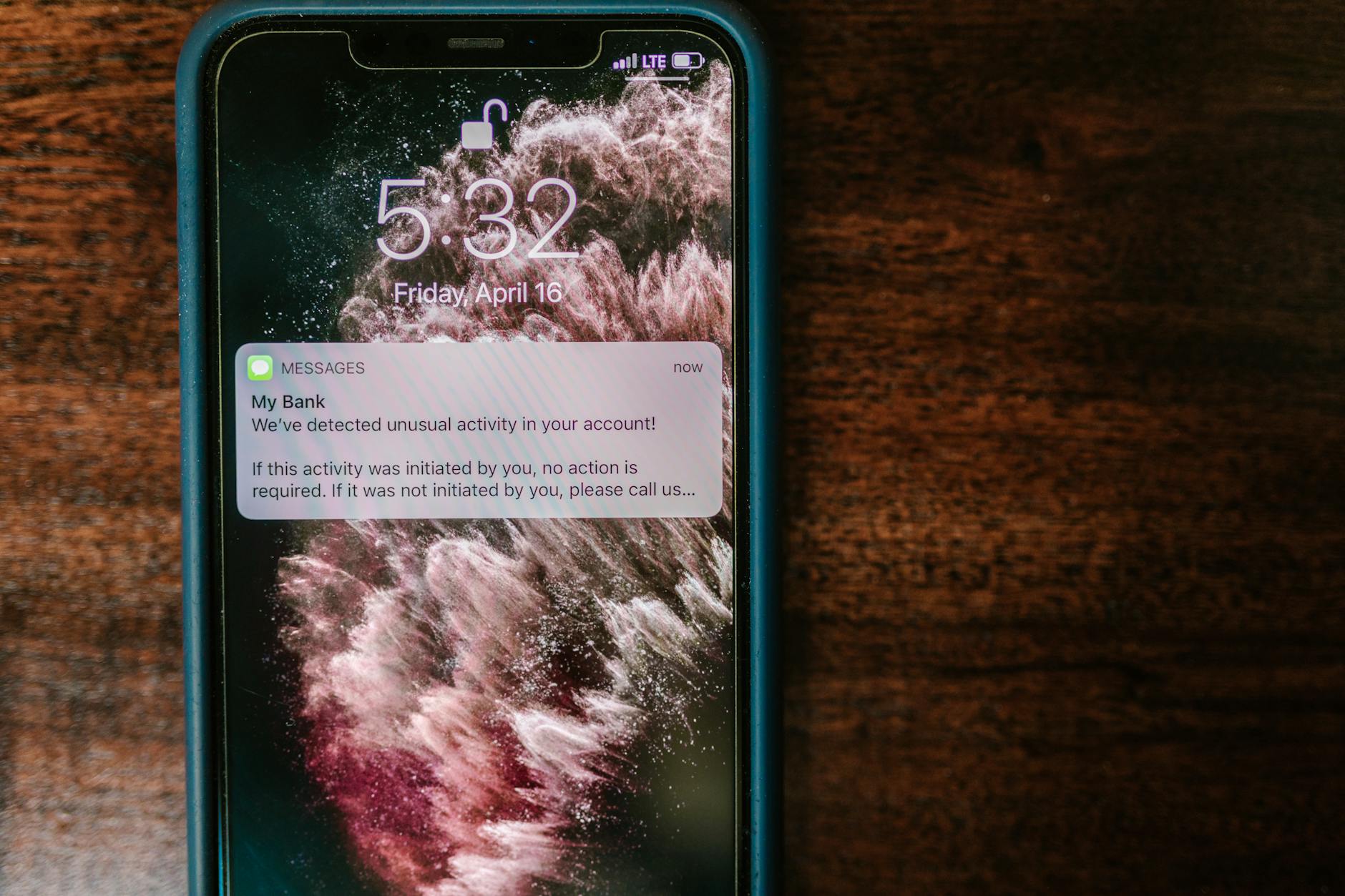
To see why a reserved ending helps, it's worth recalling how these scams actually run. The classic move is a look-alike address — swapping a letter, adding "online" or "secure", or using a different country ending — paired with a page that copies your bank's logo and colours pixel for pixel.
The victim almost never goes looking for that page. It arrives:
- As an SMS warning that your account is blocked and must be "re-verified" through a link.
- As a WhatsApp message about a KYC update or a reward that's about to expire.
- As a sponsored search result sitting above the genuine bank when you Google it.
The page collects your customer ID, password and the OTP in real time, and someone on the other end logs into the actual bank with those details. Under the new system, the giveaway is sharper: a real bank login should sit under bank.in. A page asking for credentials anywhere else deserves immediate suspicion.
How to verify a genuine banking site now
The domain change only protects you if you build a small habit around it. A quick routine before you log in:
- Read the address from right to left. Find the ending first. The trustworthy part is what sits immediately before the first single slash — for example, the bit ending in bank.in. Fraudsters love long addresses like yourbank.secure-update.example.com, where the real owner is the last chunk, not the familiar word at the start.
- Never arrive by link. Reach your bank only by typing the address, using a saved bookmark, or opening the official app. Treat every banking link in a message as hostile by default.
- Confirm the new address from a trusted channel. Use your bank's app, the helpline printed on your debit card, or a verified branch notice to learn the exact bank.in address, then bookmark it.
- Check for HTTPS, but don't over-trust it. The padlock means the connection is encrypted, not that the site is honest. Plenty of scam pages have padlocks too.
- Watch for fin.in on non-banks. A digital lender, payments firm or other regulated financial entity may sit under fin.in rather than bank.in. Both are part of the same verified scheme.
Why a trusted ending is not a magic shield
It would be a mistake to read bank.in as a green light to switch your brain off, and the smarter scammers are counting on exactly that overconfidence.
First, migration is uneven. Plenty of customers still have older addresses bookmarked, and during a transition redirects and mixed messaging create the perfect fog for a fraudster to insert a fake "your bank has moved, click here" notice. The very change meant to protect you doubles as a fresh phishing script.
Second, the domain says nothing about the rest of the con. Digital arrest threats, fake customer-care numbers, screen-sharing apps like remote-desktop tools, and SIM-swap attacks don't depend on a web address at all. Someone who talks you into reading out an OTP over a phone call has bypassed the entire question of which site you're on.
Third, a verified domain protects the bank's identity, not your device. Malware on your phone, a saved password on a borrowed laptop, or an OTP forwarded to a stranger will defeat any address-bar check.
The quieter benefits worth knowing
Beyond fraud, a single namespace makes the whole system easier to police. Security teams and browsers can treat the bank.in space as a known, monitored zone, which makes rogue look-alikes easier to flag and take down. Over time it should also retrain customer instinct: the more people expect their bank to live under one recognisable ending, the more an odd address stands out.
There's a customer-trust angle too. When every bank shares a consistent, verifiable ending, the burden of "is this the real site?" shifts a little off the individual and onto a system designed to be checkable. That's a meaningful change in a country where digital payments have raced ahead of digital caution.
What to do this week
If you bank online, treat the rollout as a prompt to reset your own habits rather than a job that's been done for you.
- Open your banking app and note the official bank.in address it points to, then replace your old bookmark.
- Delete any saved banking links sitting in your messages or browser history.
- Tell the less tech-confident people in your family the one rule that survives every scam: a bank never sends you a login link, and never asks for an OTP, PIN or password by call or message.
- If a site asks for your credentials and isn't under bank.in or fin.in, close the tab and report it. Financial cyber fraud can be reported on the national helpline 1930.
The reserved domain is a genuinely useful piece of plumbing. But it works the way a seatbelt does — only if you actually use it, and only alongside everything else that keeps you safe.