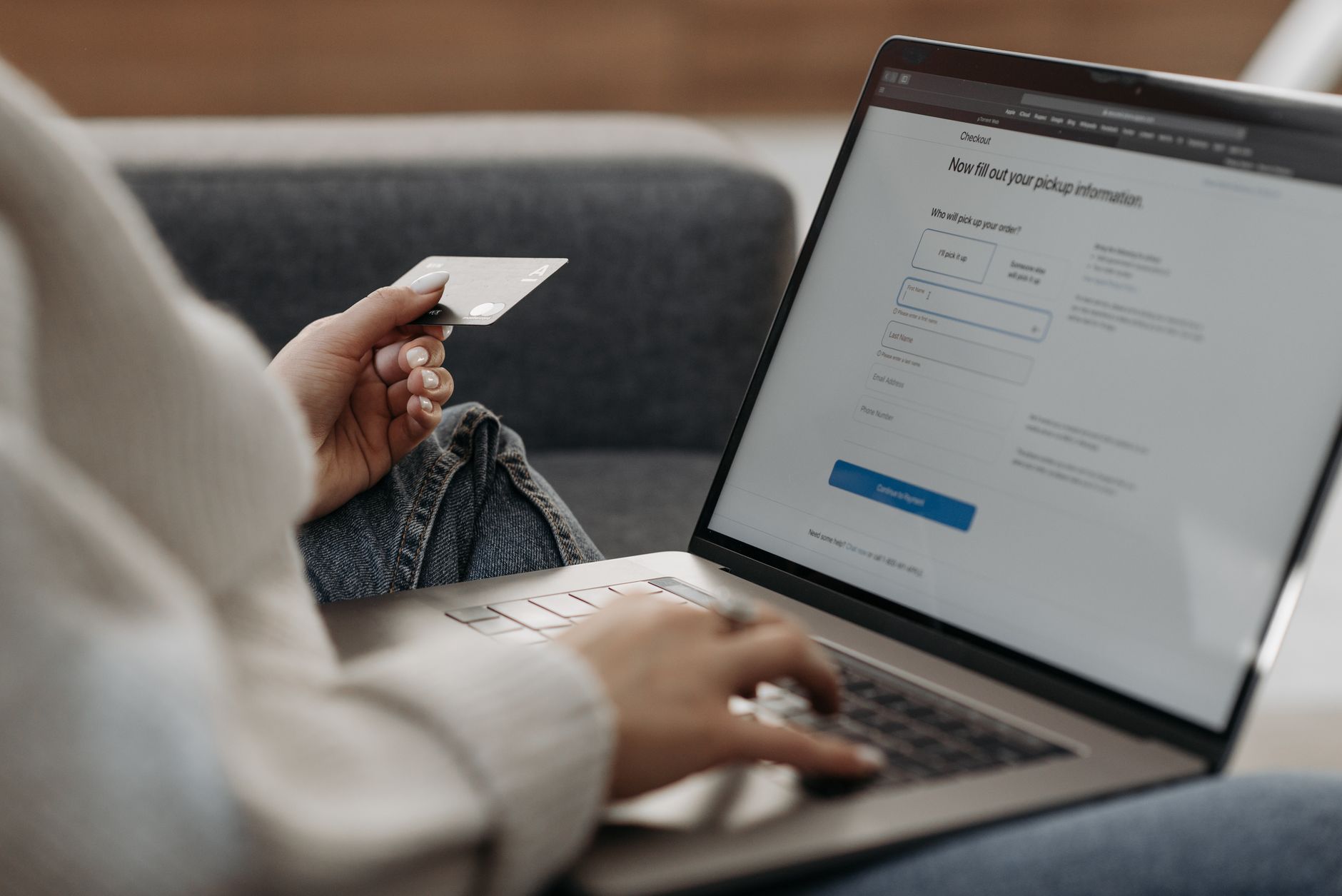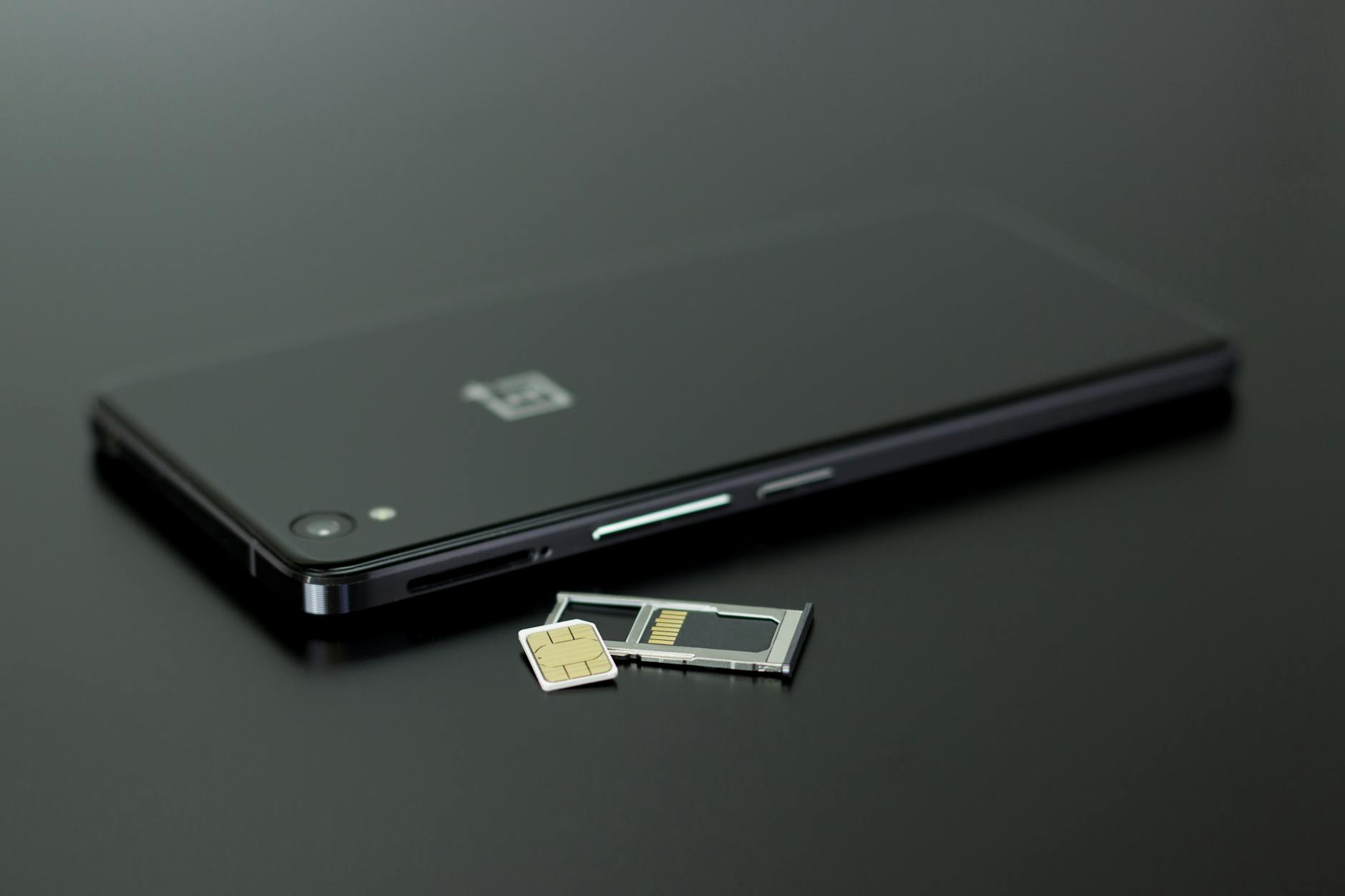
Photo: Silvie Lindemann / Pexels
Link Your Mobile Number to Aadhaar Before the Next OTP Fails
Think about the last time you logged into your bank, e-filed your taxes, withdrew EPF money, opened a DigiLocker, or booked a gas cylinder subsidy. Somewhere in that chain, a six-digit code landed on a phone. If that phone number is wrong, lost, or never linked to your Aadhaar in the first place, the whole process stops dead. This is why linking your mobile number with Aadhaar is quietly one of the most important pieces of paperwork you can sort out — and one of the most commonly neglected.
UIDAI says the overwhelming majority of Aadhaar authentications happen through OTPs sent to the registered mobile number. No registered number means no OTP, and no OTP increasingly means no service. Here's how to do it correctly in 2026, what it costs, and the one confusion that trips up almost everyone.

Why this single link decides so much
Your Aadhaar number is your identity, but your registered mobile number is the key that unlocks it. The two have to travel together for the system to trust that it's really you.
With a linked number you can:
- Receive OTPs to log into income-tax, EPFO, PAN services, insurance and bank portals
- Download your e-Aadhaar and use the Aadhaar app (formerly mAadhaar) as a digital ID
- Pull documents into DigiLocker and run paperless KYC
- Get Direct Benefit Transfer (DBT) alerts for LPG, PM-KISAN, scholarships and pensions
- Update your address online without a centre visit
Without it, you're limited to a handful of services like ordering a PVC card, locating a centre, or scanning a QR code. Everything that needs a one-time password is out of reach. For a lot of people, the number registered years ago belongs to a SIM they no longer use — which is functionally the same as having no number at all.

The mix-up almost everyone makes
Before the steps, clear up the confusion that wastes the most time. Linking your mobile number with Aadhaar and linking your Aadhaar with your SIM are two different things.
When you give your Aadhaar to a telecom operator to get or re-verify a SIM, that's telecom KYC — the operator is confirming who owns the connection. When you register a number in UIDAI's own database so it can send you OTPs, that's the Aadhaar record being updated. You can have a SIM bought with your Aadhaar that is still not the number UIDAI has on file. If your OTPs aren't arriving, this is usually why. The fix below is about UIDAI's record, not your telecom KYC.
You can't do this part online — here's where to go
This is the rule that surprises people. You can change your name, date of birth and address from home on the myAadhaar portal, but you cannot add or change your mobile number there. A mobile update requires biometric verification, so UIDAI insists you do it in person at an Aadhaar enrolment centre or Aadhaar Seva Kendra.
To find one, use the locator on the UIDAI website or the Bhuvan Aadhaar portal, and where possible book an appointment through UIDAI's appointment booking site. Walk-ins are accepted, but slots cut down the queue.
A few things make the visit smoother:
- Carry your Aadhaar card or a copy with the number visible.
- Carry the new SIM, switched on, in the phone you bring — the operator may send a confirmation OTP to that number.
- You do not need any document for a mobile number change. No bill, no proof, nothing. Anyone asking for one is mistaken.
The step-by-step, start to finish
At the centre the process is short:
- Ask for the Aadhaar update/correction form and tick the mobile number field, or tell the operator you want to update only your mobile number.
- Write the new ten-digit number clearly. There's no document column to fill for this field.
- Place your fingerprint (or complete face authentication, depending on the centre) so UIDAI can confirm it's you. This biometric step is exactly why the job can't be done on a website.
- Pay the fee and collect your acknowledgement slip. It carries a 14-digit Update Request Number (URN) — keep it safe, because that's how you'll track the request.
That's the whole transaction. It usually takes a few minutes once you're at the counter.
What it costs, with no surprises
The fee is set by UIDAI and printed on its official charges sheet, so you can push back if a centre quotes more. A mobile number change counts as a demographic update.
- Mobile number update done on its own: ₹75
- Mobile number updated at the same time as a biometric update: free
- For comparison, a standalone biometric update is ₹125, and a document update on the myAadhaar portal is free until 14 June 2027 (₹75 at a centre after that)
If you happen to be due for a biometric refresh anyway, clubbing the mobile change into that visit saves you the ₹75. Otherwise, ₹75 is the number to expect. You may see older guides and even some current ones still quoting ₹50 — that was the earlier rate before UIDAI revised the demographic charge upward, so treat ₹75 as the figure to budget for.
Where the new Aadhaar app comes in
UIDAI has started moving residents from the old mAadhaar app to a redesigned Aadhaar app built around face authentication, and is phasing mAadhaar out. The app lets you carry a digital Aadhaar, share only selected fields, and lock or unlock your biometrics from your phone.
Reports through early 2026 point to UIDAI expanding self-service updates inside this app, including the ability to handle mobile and address changes remotely using face authentication rather than a fingerprint scan at a counter. That direction is real, but the rollout is still settling and coverage varies. If you simply need a working number on your Aadhaar today, the enrolment centre route is the one that reliably works. Treat the app as a fast-improving option worth checking, not a guaranteed shortcut yet. Where any detail here clashes with what UIDAI shows you on its site or in the app at the moment you act, trust the live UIDAI source.
Confirm it worked
Don't assume the update went through. A couple of days after your visit, use the verify feature on the UIDAI site or the Aadhaar app and enter your new number. It won't display the full number for privacy, but it will tell you whether the one you typed matches UIDAI's records. You can also track progress with that 14-digit URN.
Most mobile updates reflect within a few days, though UIDAI keeps a formal window of up to 90 days. Once the new number shows as registered, test it the practical way: trigger an OTP from any Aadhaar-linked service and see if it arrives. The day it does, every locked door — bank, tax, EPF, DigiLocker, subsidy — quietly opens again.
For most people this is a once-in-several-years errand. Do it properly, keep your acknowledgement slip, and you won't be the person standing at a counter explaining why the code never came.