Photo: Towfiqu barbhuiya / Pexels
OLED Phone Headaches: The PWM Flicker Problem and Fixes
If your eyes feel scratchy, your head throbs, or you get faintly queasy after scrolling on a shiny new OLED phone, you are not imagining it and you are not alone. A real, measurable property of these screens called PWM dimming is the likely culprit, and most buyers never hear about it until after they have spent the money. This is the rare gadget problem that is invisible in a showroom, absent from the spec sheet most shops show you, and very hard to undo once it is bothering you.
The good news is that you can spot it in under a minute, you can soften it with a few settings, and you can avoid it almost entirely with the right buying checks. Here is how the flicker works and what to actually do about it.

Why OLED screens flicker in the first place
LCD panels of the old school dimmed by simply lowering the voltage to the backlight. Less power, less light, steady glow. OLED panels are different because each pixel makes its own light, and dropping the voltage too far makes the colours shift and look uneven. So engineers use a trick instead: they leave the pixels at a fixed brightness and switch them off and on very fast, hundreds or thousands of times a second. Your eye blends those flashes into what looks like a dimmer screen.
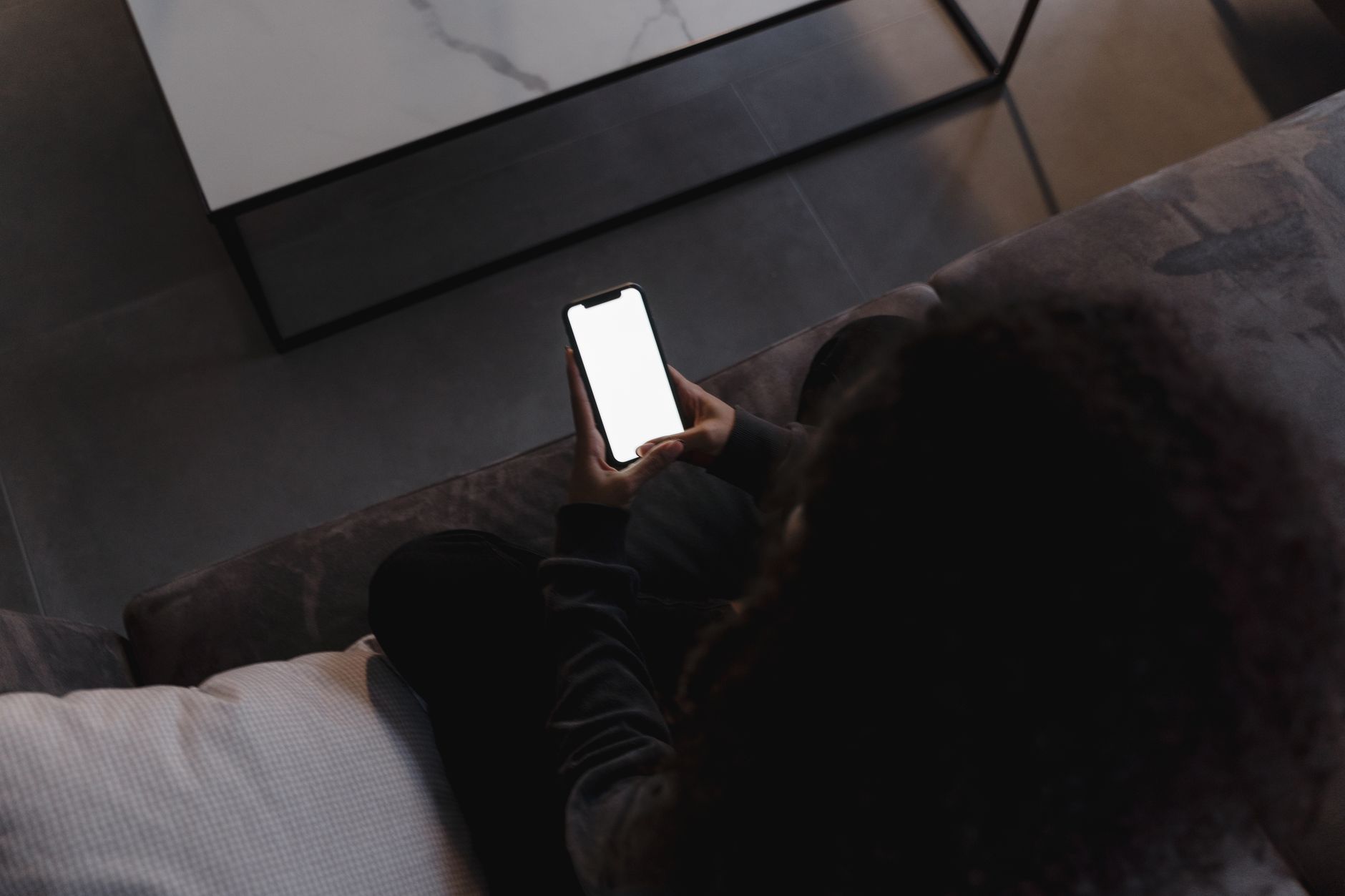
That switching is Pulse Width Modulation. The longer the pixels stay dark in each cycle, the dimmer the screen looks. At full brightness the off-time is tiny, so most people never notice anything. The trouble starts at low brightness, late at night, in a dark room, exactly when you are most likely to be staring at your phone in bed.
The number that decides whether it bothers you
The key figure is the flicker frequency, measured in hertz. A low frequency such as 240Hz means long, slow dark gaps that some people's eyes and brains pick up subconsciously, producing eye strain, headaches, watering eyes or a vague seasick feeling. A high frequency packs the same dimming into flashes too quick to register.
Rough guidance the display industry now works to:
- Below about 480Hz: noticeable to many sensitive people, the classic problem zone.
- 1920Hz to 2880Hz: comfortable for the large majority of users.
- 3840Hz and above: considered safe even for the most flicker-sensitive eyes.
The widely cited IEEE 1789 lighting standard treats flicker above roughly 3000Hz as essentially risk-free for the eye. That is why brands have started shouting numbers like 2160Hz, 3840Hz and even 4320Hz on their newer OLED phones. It is a genuine engineering improvement, not just marketing, though it is one only a slice of buyers understands.
Test any phone in 30 seconds
You do not need lab gear. You need a second phone with a slow-motion camera, which almost every modern handset has.
- Set the phone you want to test to its lowest comfortable brightness in a dimly lit room.
- Open a plain white screen, such as a blank note or a search page.
- On the second phone, switch the camera to slow-motion video and film the first screen.
- Watch the playback. Rolling dark bands sweeping across the frame mean the screen is flickering. A smooth, even white means it is steady.
The thicker and slower the bands, the lower the frequency and the more likely it is to trouble sensitive eyes. A phone using true DC dimming will show no bands at all. This single test, done in the shop before you pay, is the most useful thing in this whole article.
DC dimming, anti-flicker and the settings that help
Some phones offer a software option variously labelled DC dimming, anti-flicker or flicker-free mode, often buried in the display settings or the developer options. Switching it on changes how the panel dims and usually reduces or removes the flicker at low brightness. The trade-off is that colours and shadow detail can look slightly less perfect, and on some models it only works at certain brightness levels. For anyone who actually suffers symptoms, that trade is well worth it.
A few more practical moves that cut strain without any special hardware:
- Keep brightness higher than you think you need. PWM flicker is worst when the screen is dim, so a brighter screen in a slightly lit room is gentler than a dim screen in the dark.
- Never use the phone in a pitch-dark room. A small lamp or bias light behind the phone reduces the contrast your eyes fight against.
- Reconsider dark mode at night. It lowers average brightness, which can deepen flicker for sensitive people, so try a normal theme and lower brightness instead.
- Take breaks. The 20-20-20 habit, looking far away for twenty seconds every twenty minutes, genuinely eases the eye muscles.
None of these cure a fundamentally flickery panel, but together they can make a borderline phone livable.
What to look for before you buy
If you already know you are sensitive, or you simply want to be safe, build the eye-comfort check into your shopping rather than treating it as an afterthought.
- Search the exact model name with the words PWM frequency and look for an independently measured number, not just the brand's claim.
- Treat 1920Hz as a sensible floor and 3840Hz or higher as the comfort target.
- A TÜV Rheinland flicker-free or low-blue-light certification is a reasonable shortlist filter, though it is not an absolute promise of comfort for everyone.
- If flicker is a dealbreaker and budget allows, an LCD phone or a phone with proper DC dimming sidesteps the problem, since LCDs typically dim by voltage rather than switching.
- Where possible, run the slow-motion camera test on the actual unit before paying.
It is worth being honest about who this affects. A large share of people will never feel a thing regardless of the frequency, and they can safely ignore all of it. But a meaningful minority are genuinely sensitive, and for them a low-PWM screen turns a daily pleasure into a daily headache. There is no shame in being in that group, and no point pretending the screen is fine when your body keeps telling you otherwise.
Where the market is heading
The encouraging trend is that the industry has finally accepted flicker as a real complaint rather than a fringe one. High-frequency PWM, once a flagship-only feature, is steadily reaching cheaper phones, and some premium models now push past 4000Hz at low brightness. A handful of brands have made eye comfort an actual selling point, which puts useful pressure on the rest.
For now, the burden still sits with the buyer to ask the question that no shop assistant will raise. Run the slow-motion test, check the frequency, and pick a phone your eyes can live with. A screen you stare at for hours every day is exactly the wrong place to discover a flicker you could have caught in thirty seconds.